 GVOID
GVOIDGVOID AutoDub
Built by GVOID
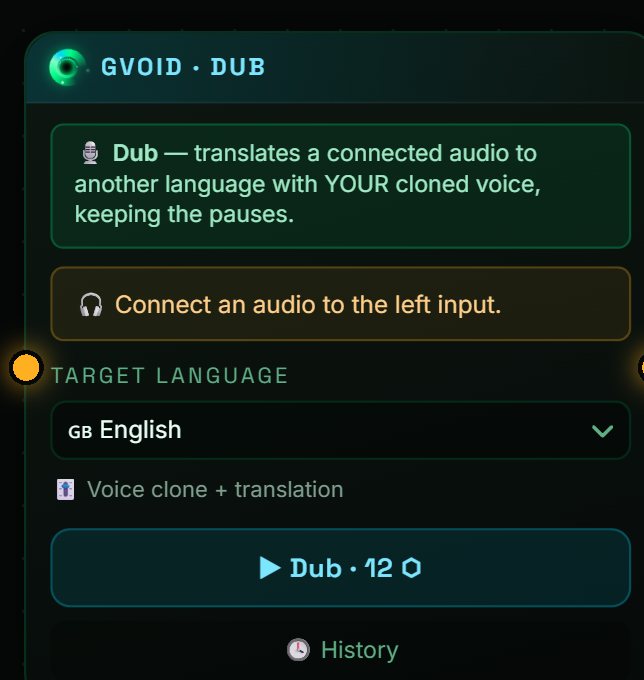
Translate an audio into another language cloning the original voice: it transcribes, translates and voices it again with the same voice.
Capabilities
What GVOID AutoDub can do, at a glance.
What is GVOID AutoDub?
AutoDub is the dubbing node of the canvas: connect an audio, choose the output language and it does the three things at once: transcribes what is said (Whisper), translates it (GPT-4o mini) and voices it again cloning the original voice with SeedAudio. Out comes a dub ready to connect to the video.
What you can create
Ideal for creators, studios and brands.
Example prompts
How it works in GVOID
No installs. Create in your browser on a node canvas and chain models together.
Add the node
Drop GVOID AutoDub onto your canvas.
Describe it
Write your prompt or connect an input.
Generate
Pay only for what you create — start free.
Combine
Chain with voice, music and upscaling.
Frequently asked questions
How does AutoDub work?
Does it keep the original voice?
How much does it cost?
Related models
Create with GVOID AutoDub today
Video, image and voice on one AI canvas. No subscription — start free.
Start free →