 GVOID
GVOIDScene Master
Built by GVOID
Build the scene once from an image and shoot it from wherever you want, with your characters inside.
Capabilities
What Scene Master can do, at a glance.
What is Scene Master?
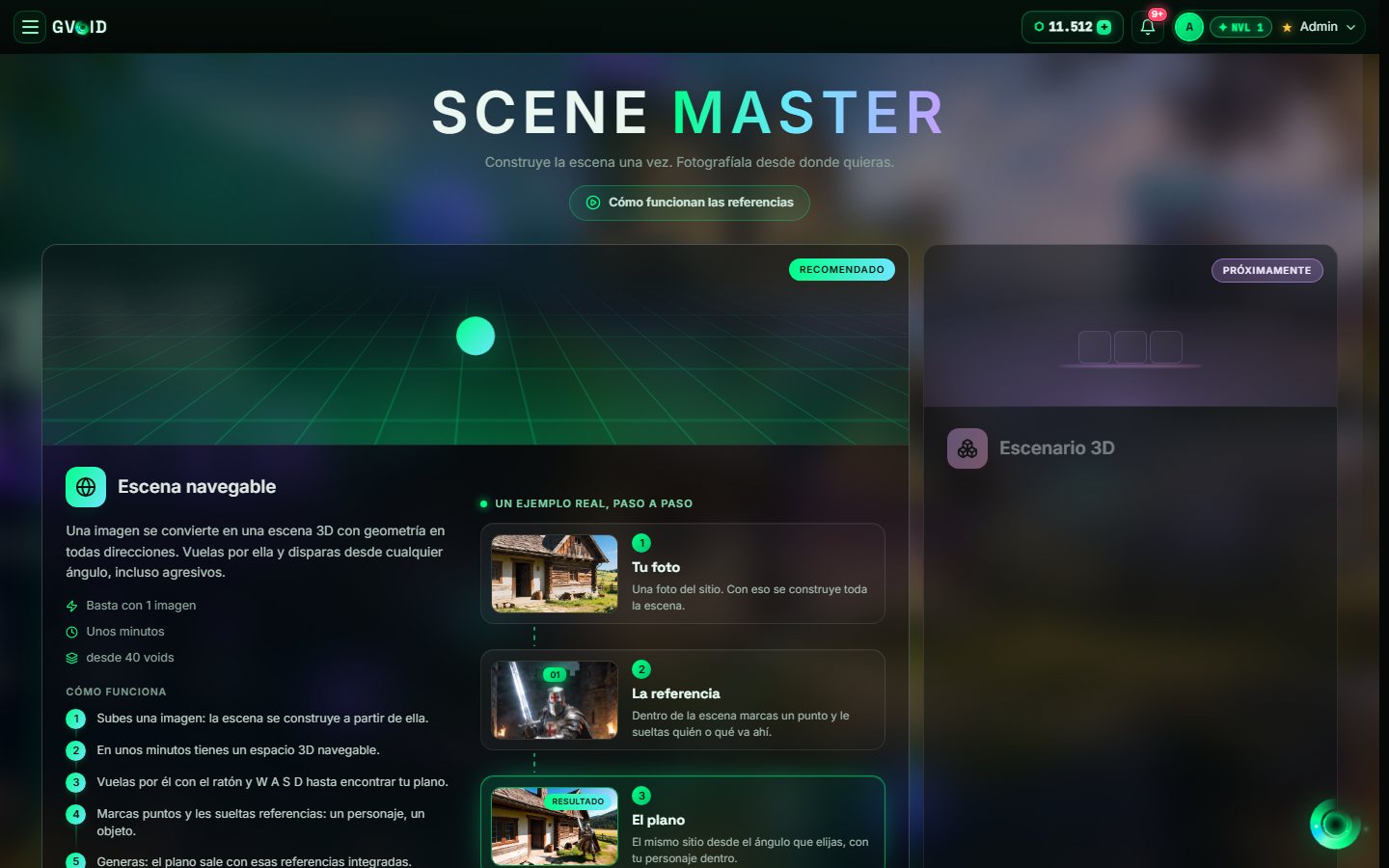
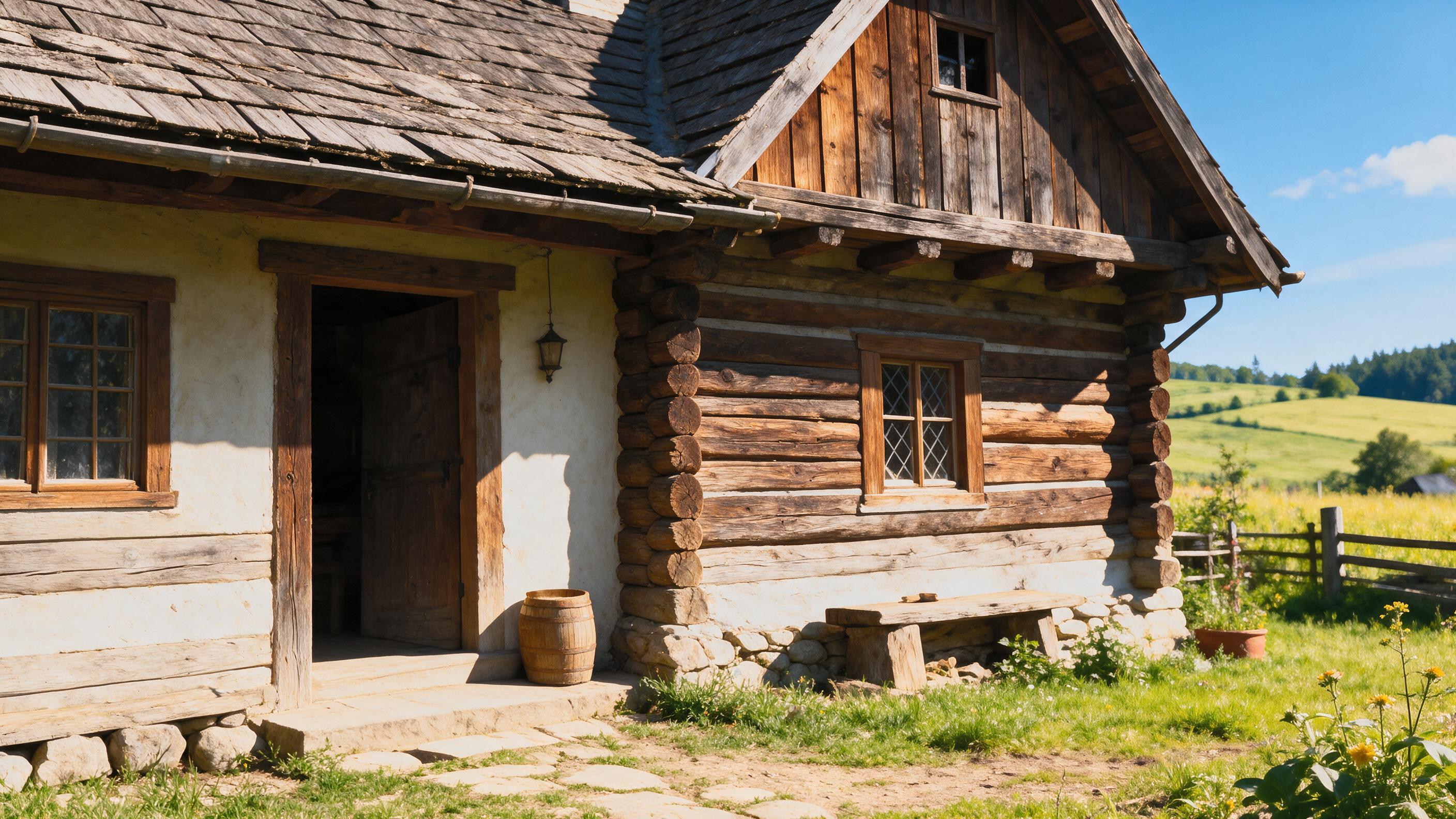
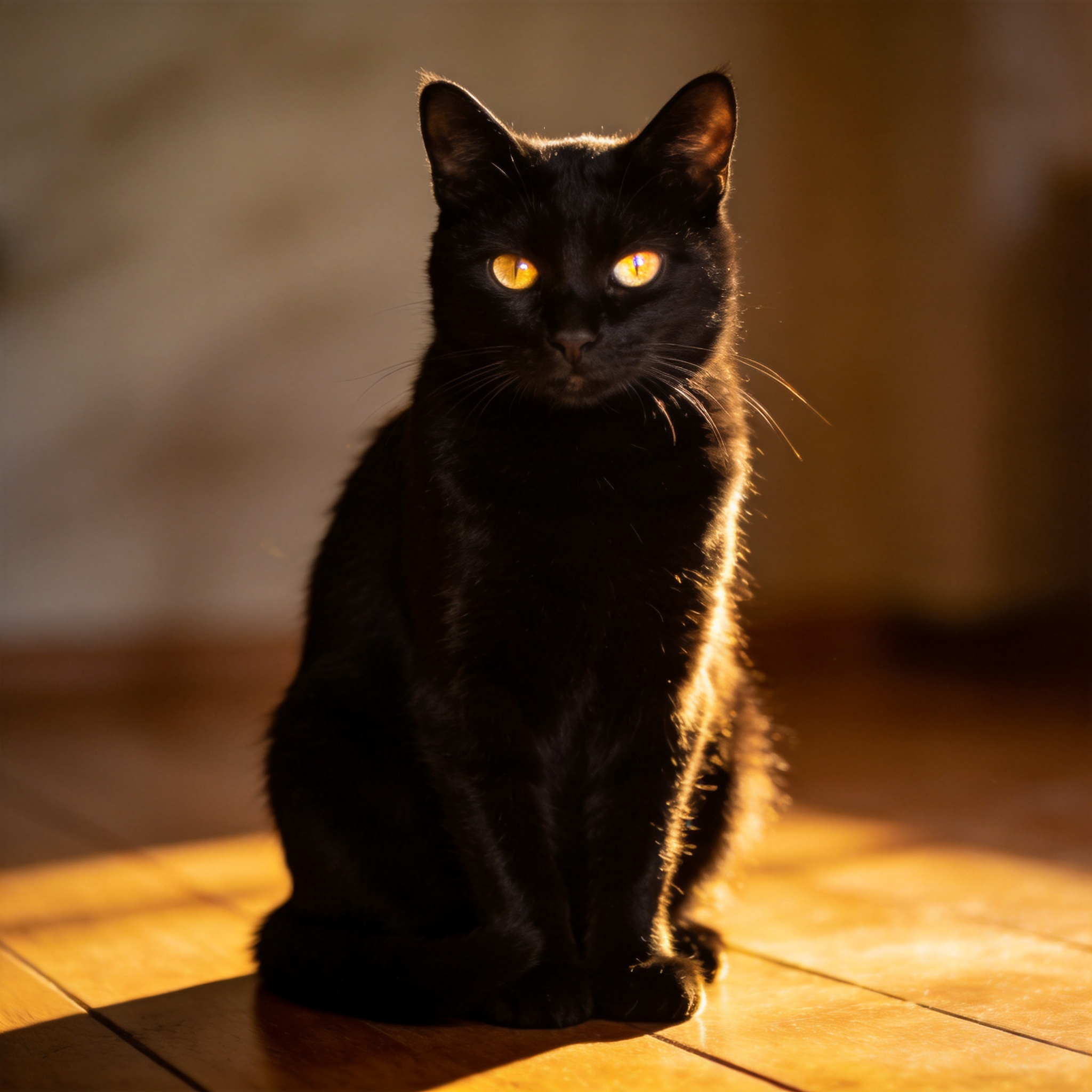
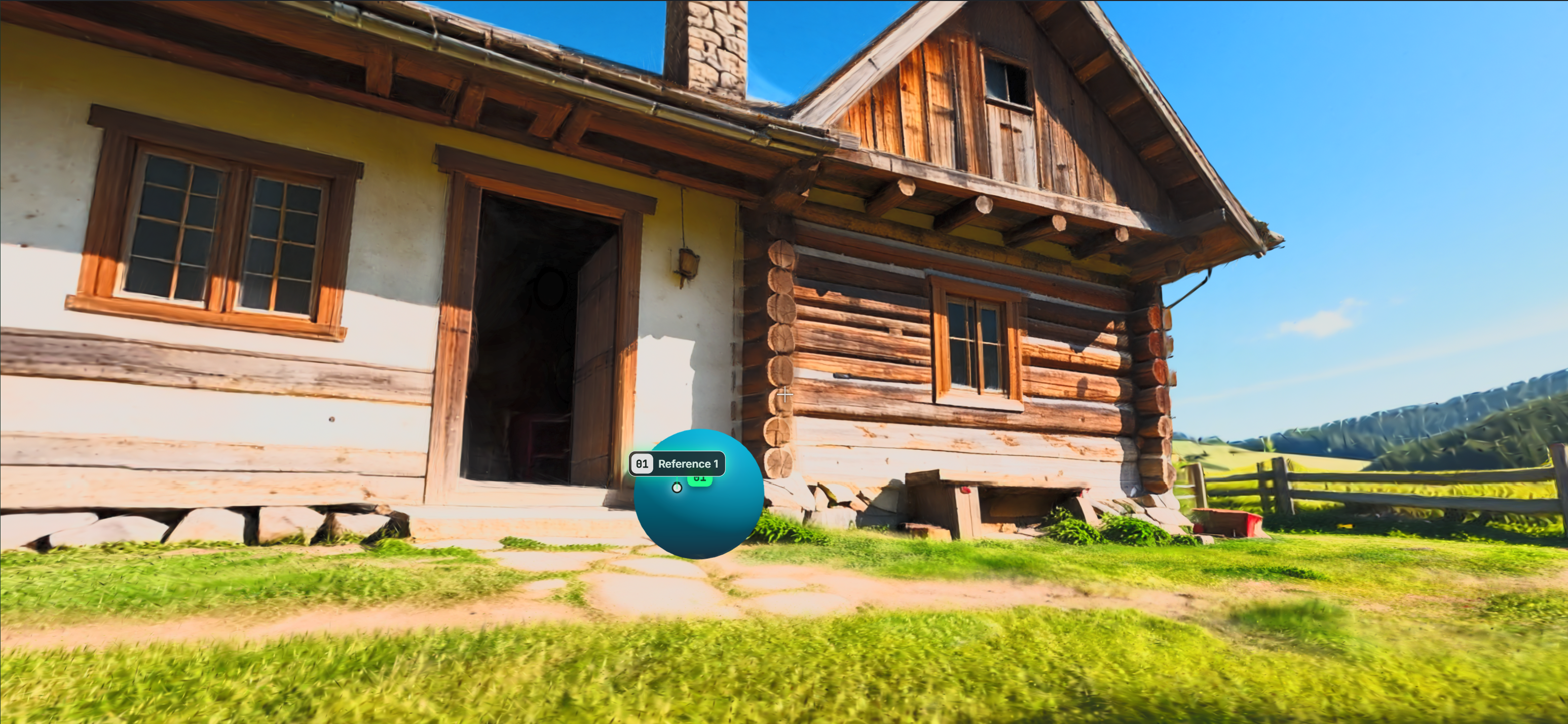
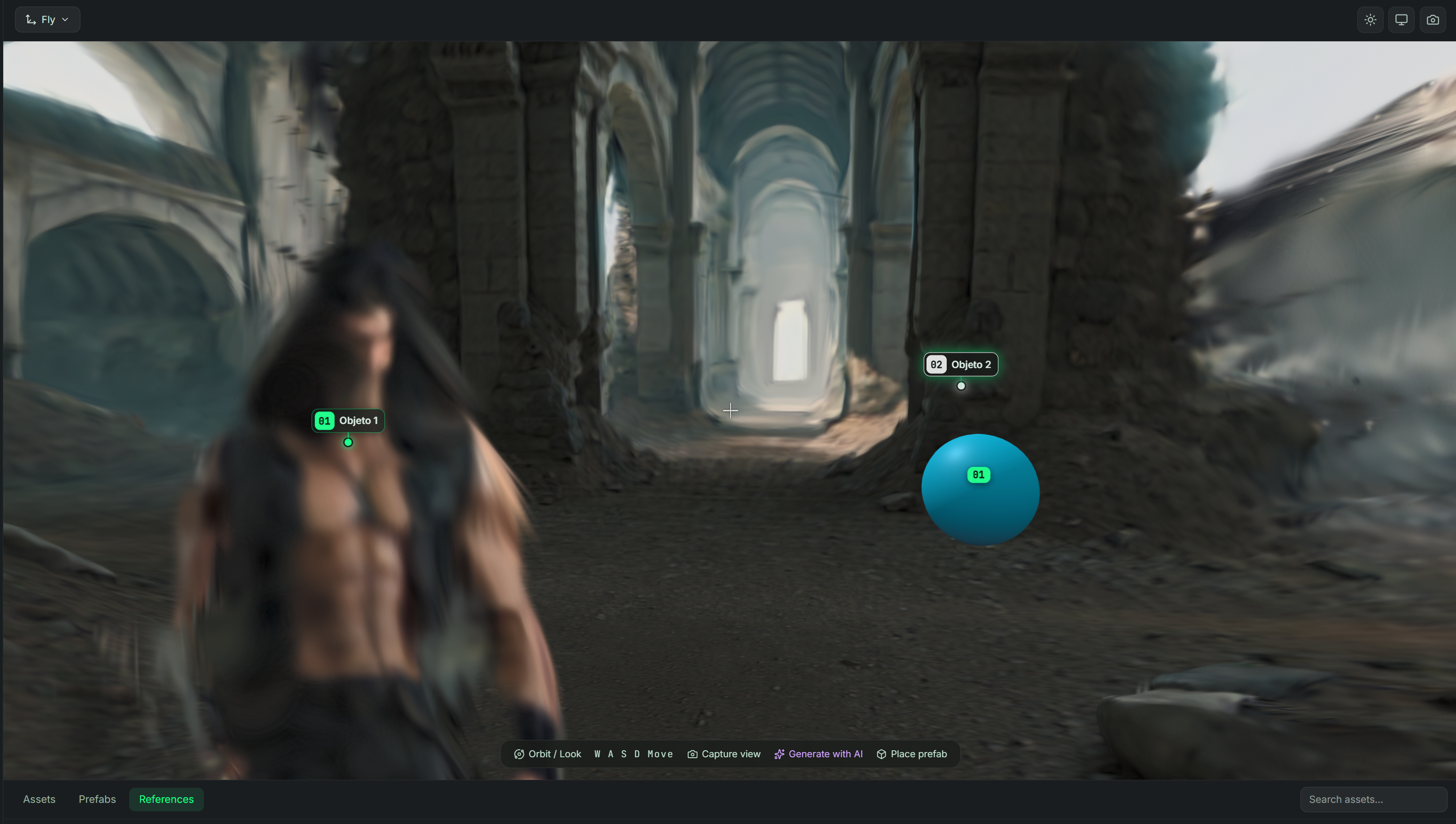
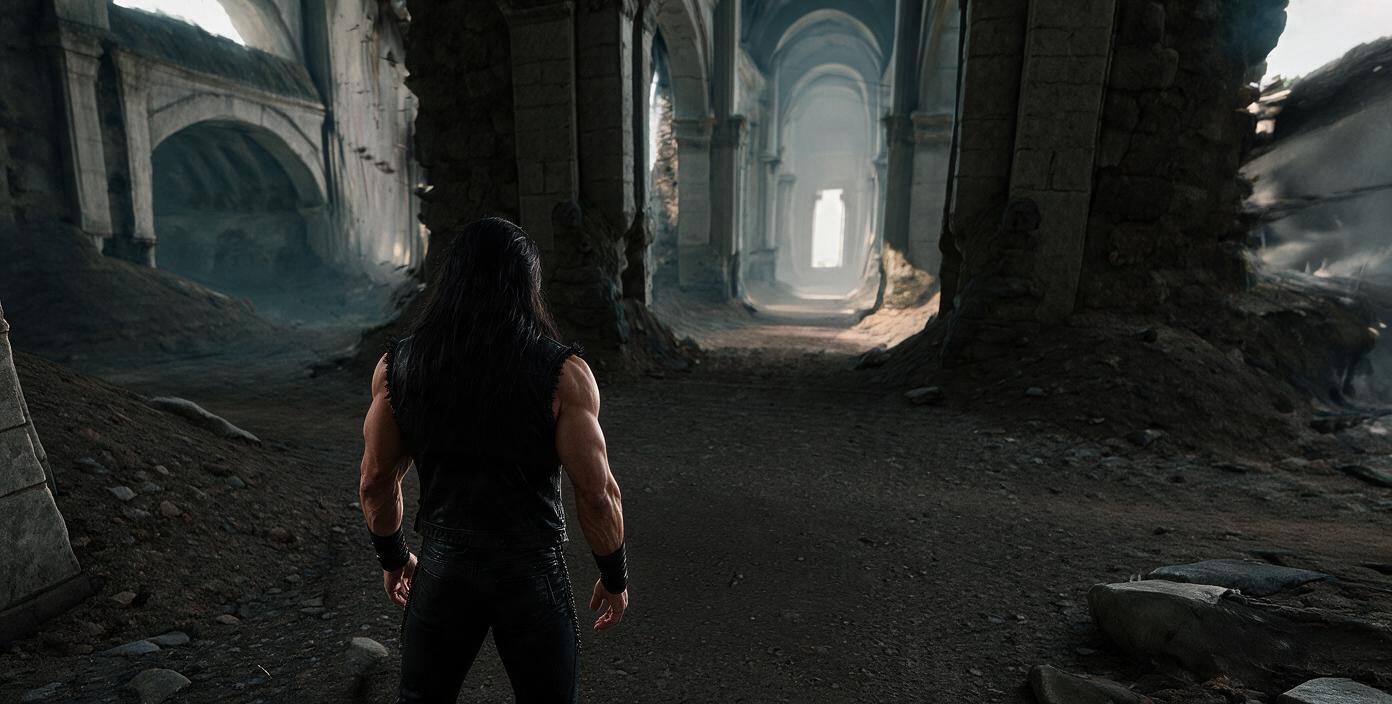
Scene Master turns an image into a navigable 3D scene: in a few minutes you have a space with geometry in every direction that you fly through with the mouse and W A S D until you find your shot, even from aggressive angles. Inside, you mark points and drop references on them (a character, an object) and, when you generate, the shot comes out from that angle with those references integrated. One image is enough and it starts at 40 voids; the 3D stage with assets, camera and lens is coming soon.
Tool Example
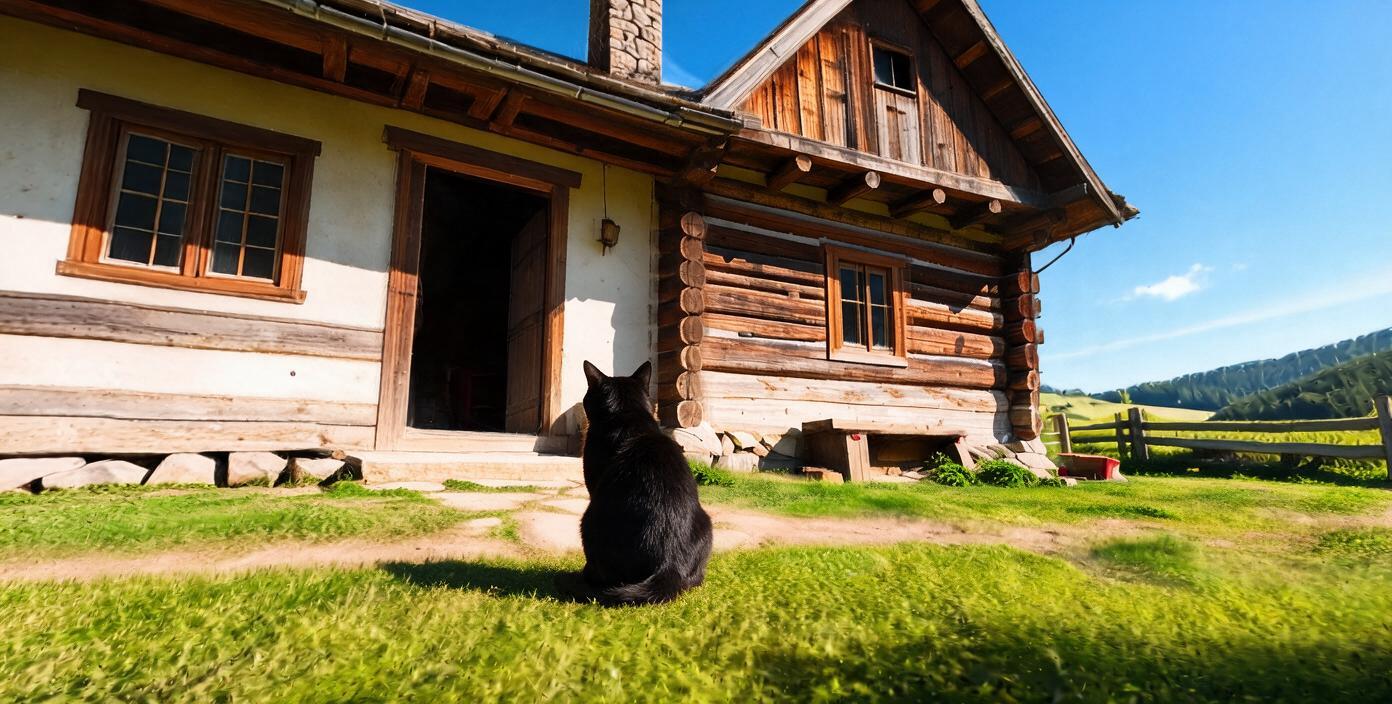
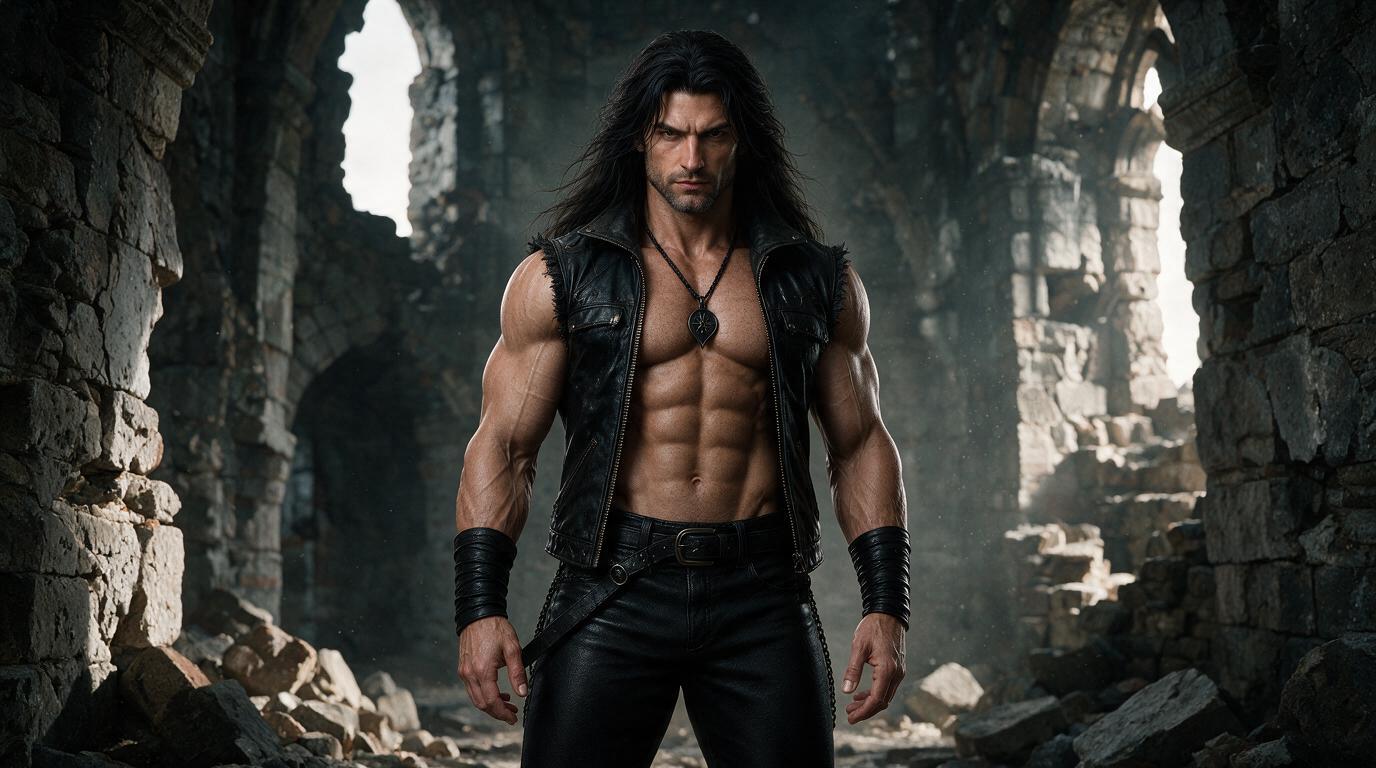
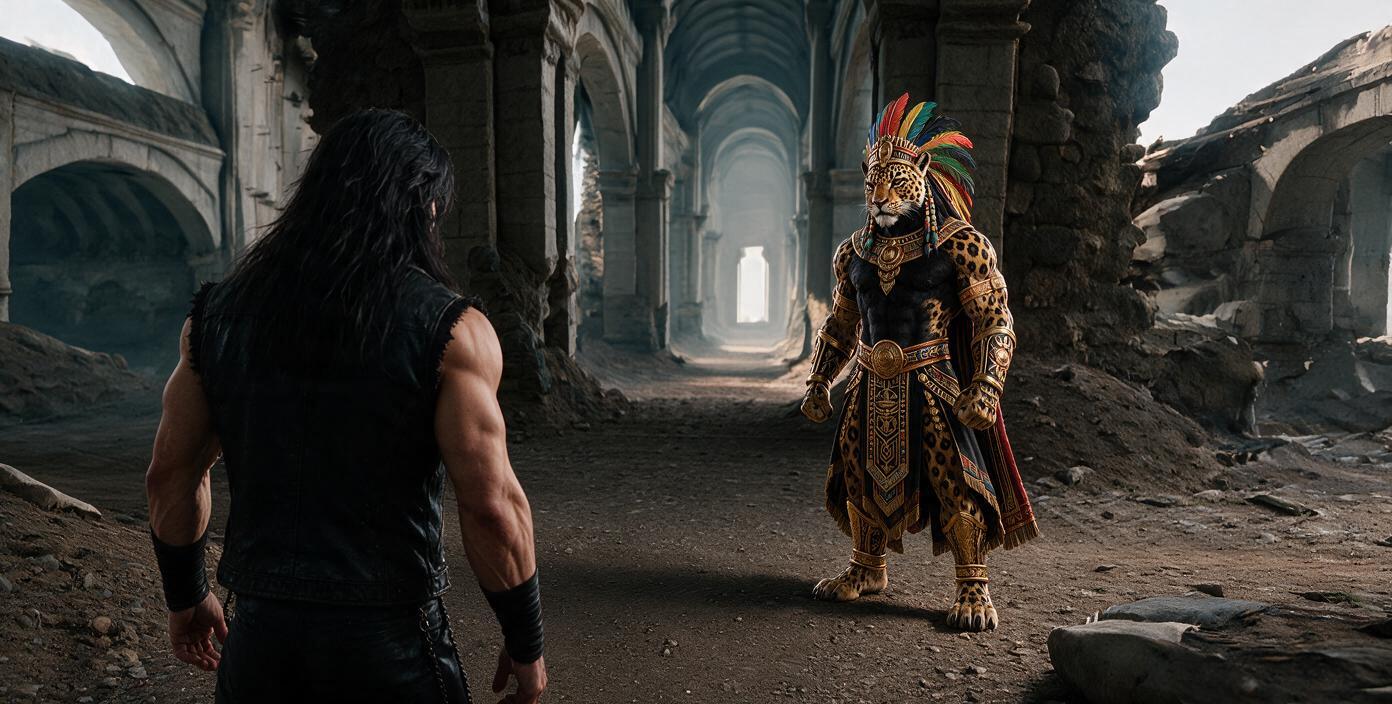
Convinced?
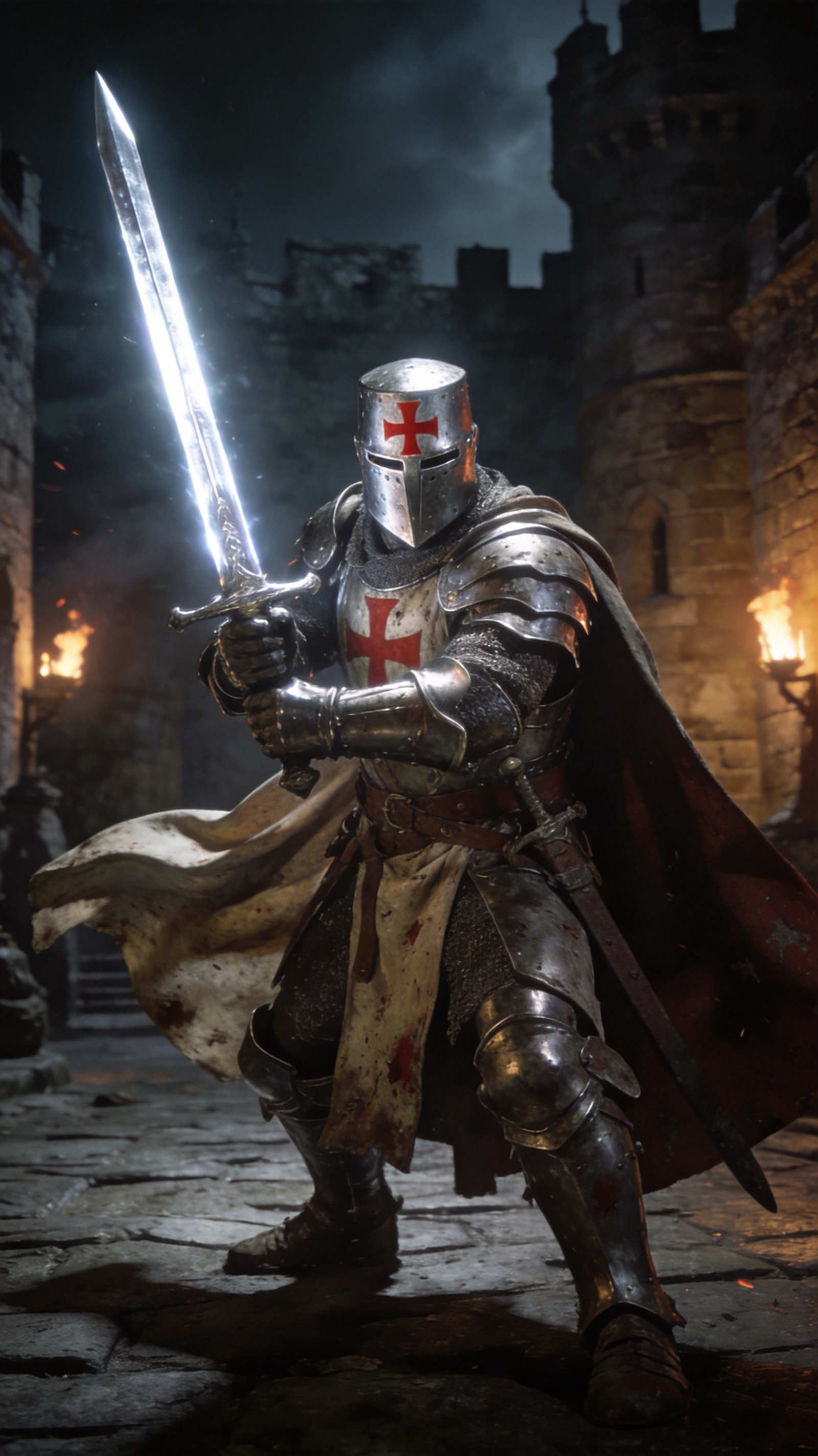
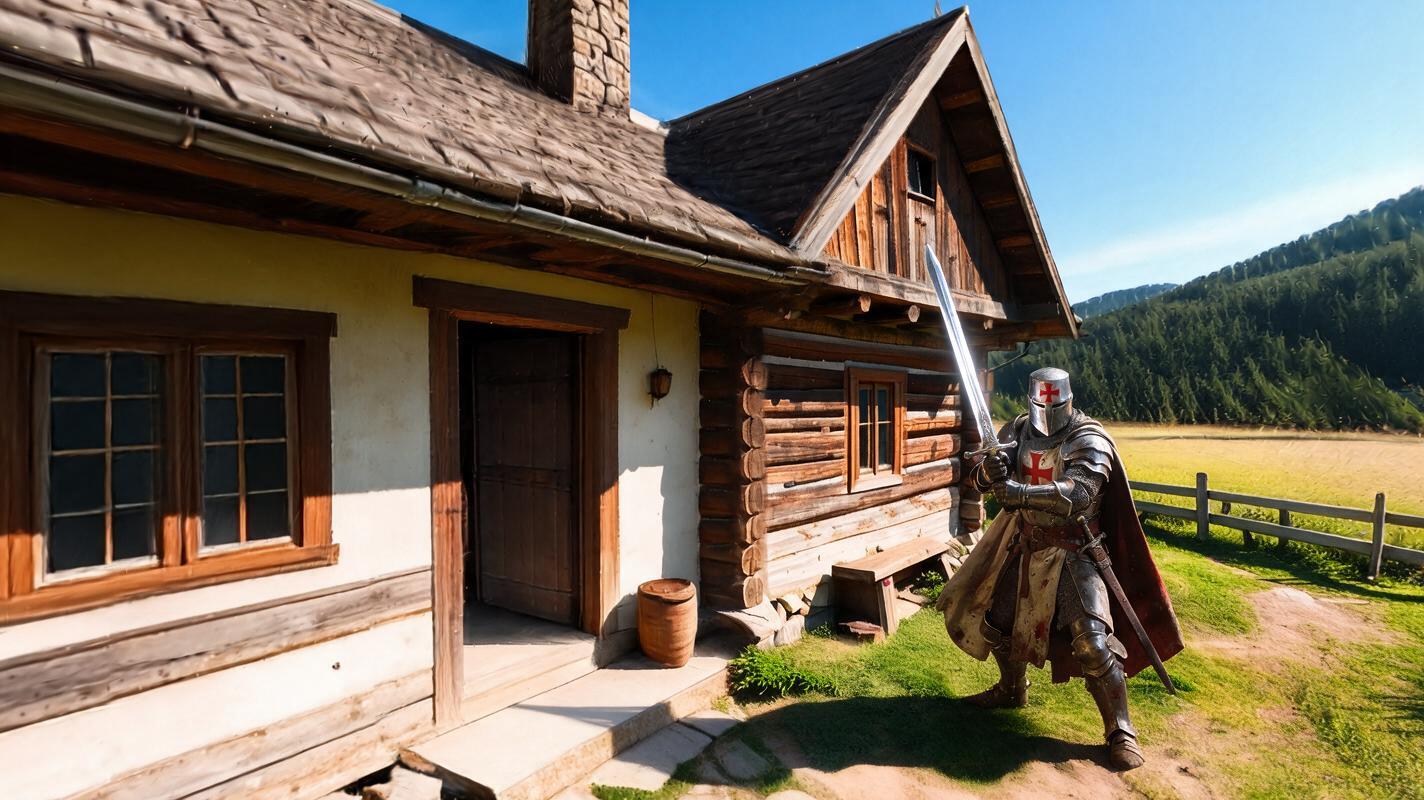
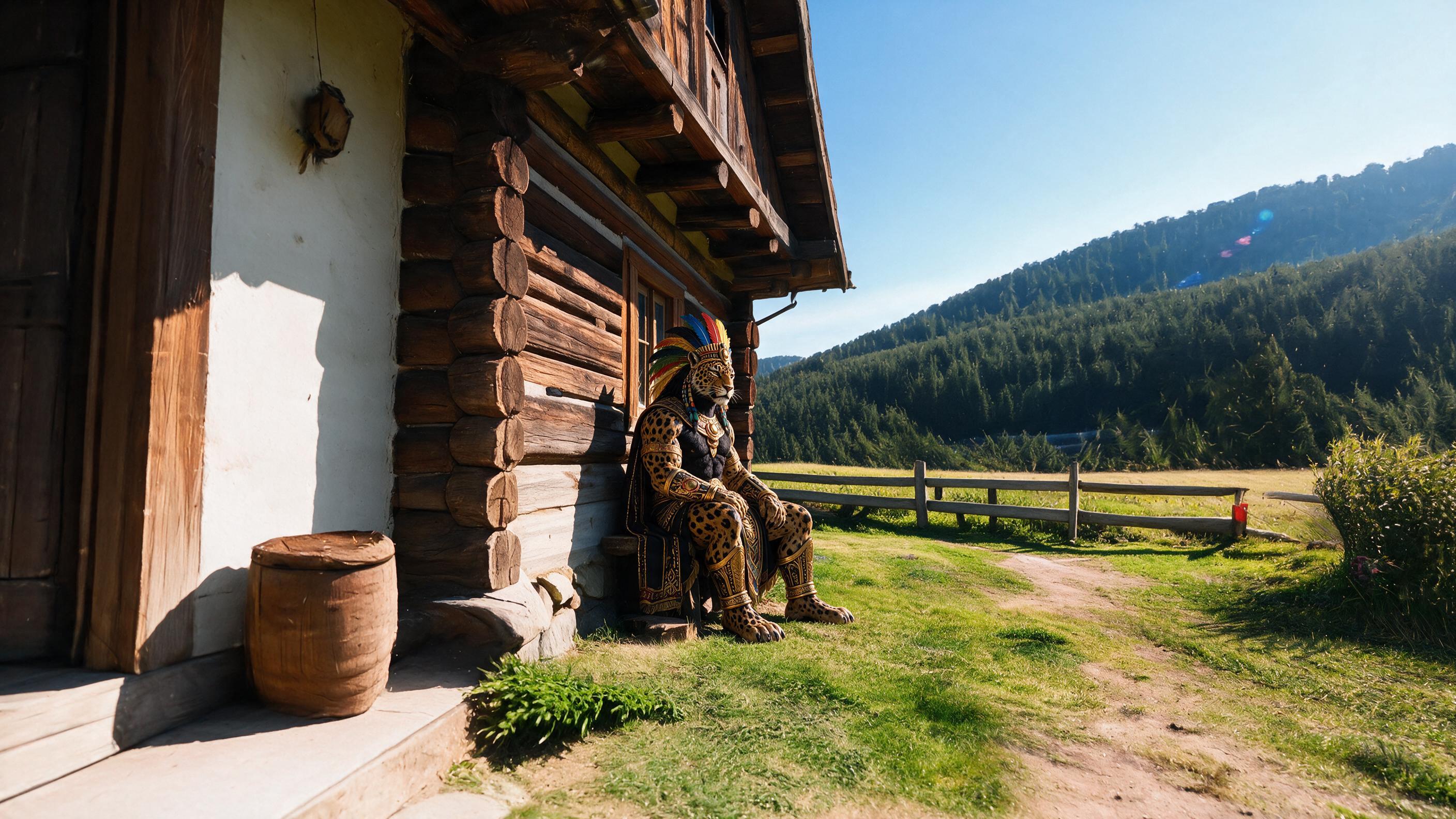
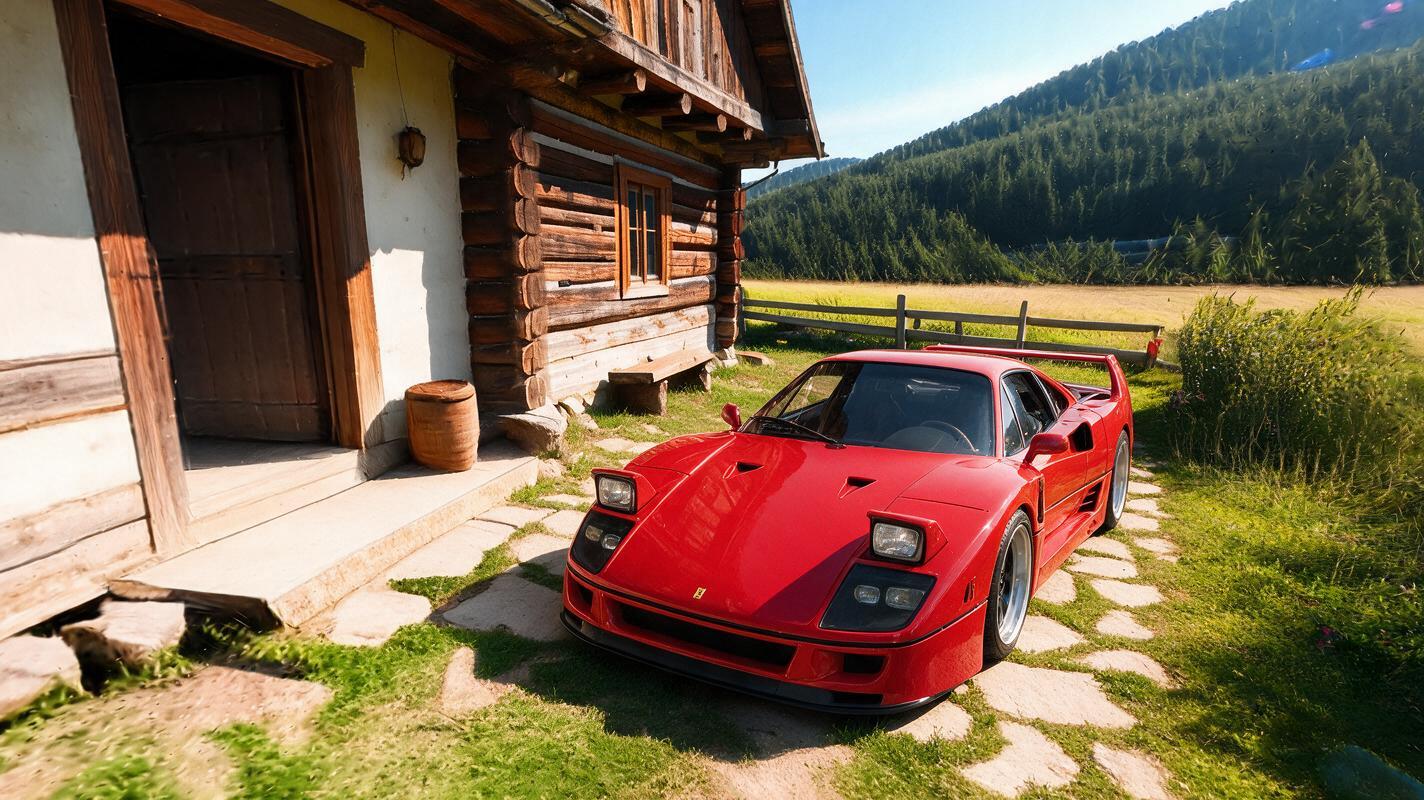
It also allows you to create lower quality scenes (sketches)
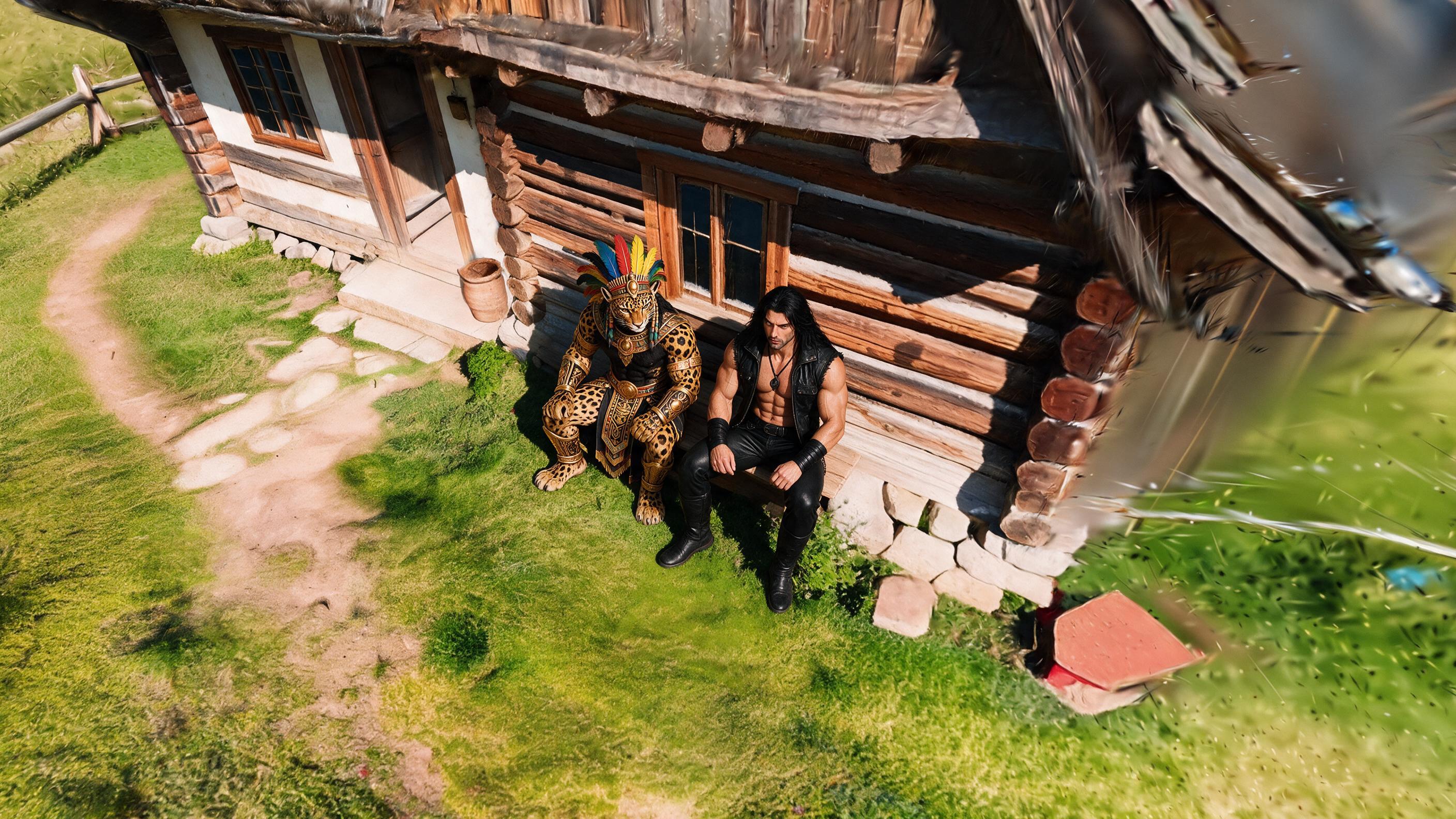
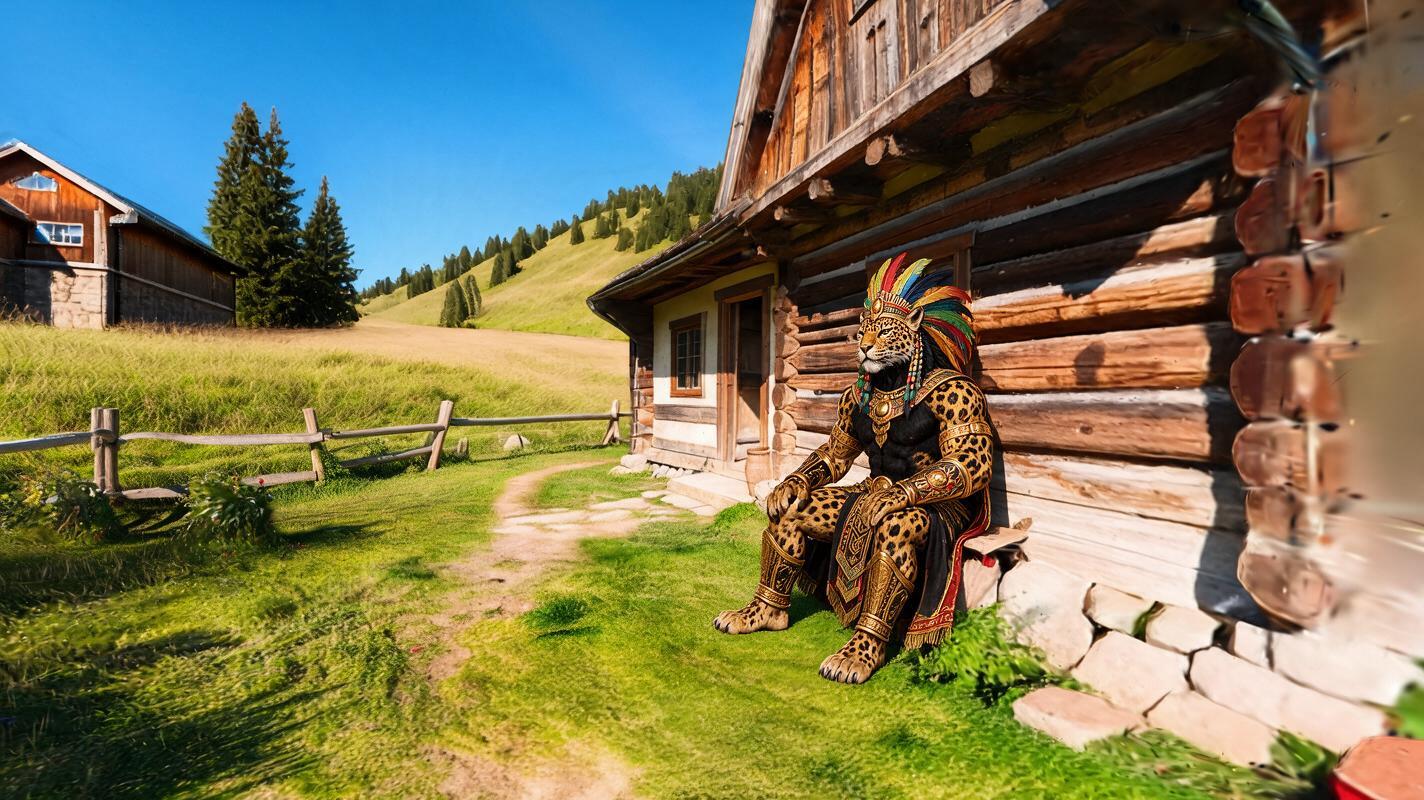
How it works in GVOID
No installs. Create in your browser on a node canvas and chain models together.
Open Scene Master
Upload a high-quality image of a background, wall, or location, never of a character or object.
References
Add references, characters, objects from the editor, it also accepts 3D objects that are themselves referential.
Change angle
Choose the perfect angle for your shot, something that was impossible with conventional AI until today is now possible.
Generate
Generate the preview you can use as a reference for your video model like Seedance.
Frequently asked questions
What is Scene Master?
How much does Scene Master cost?
Related models
Create with Scene Master today
Video, image and voice on one AI canvas. No subscription — start free.
Start free →