GVOID
Seedream 5.5 is now on GVOID: cinematic photorealism and real transparent backgrounds
ByteDance's new image model lands on your canvas. More realistic than ever, with small text you can actually read and cutouts with transparent backgrounds ready to use. From 9 voids per image.
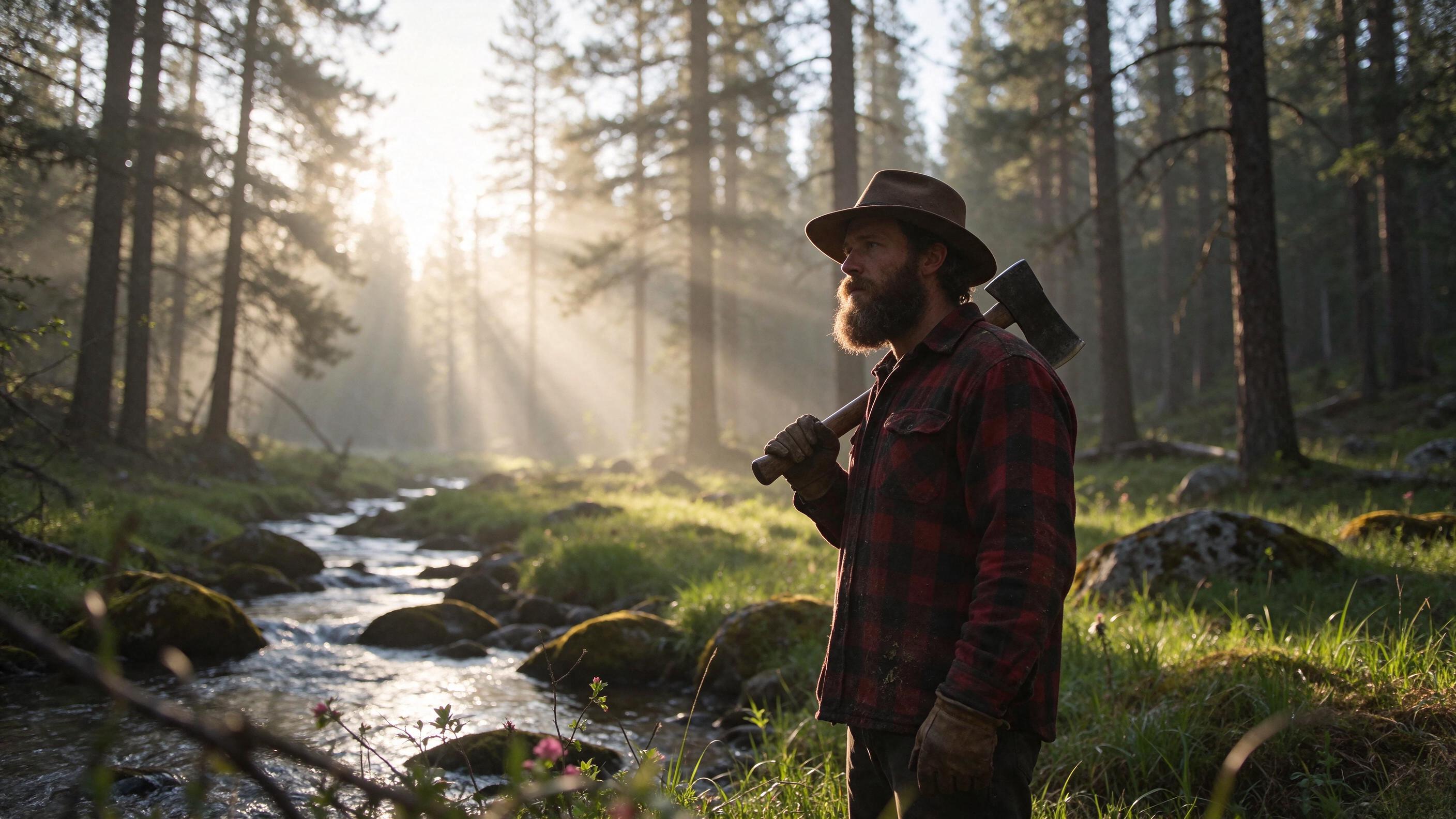
Cinematic light in a single shot
A lumberjack at dawn, light rays through the pines, a stream and a meadow. One prompt and this is what comes out: skin, fabric and bark with real detail, and volumetric light that looks shot on camera.
With a background or without, you choose
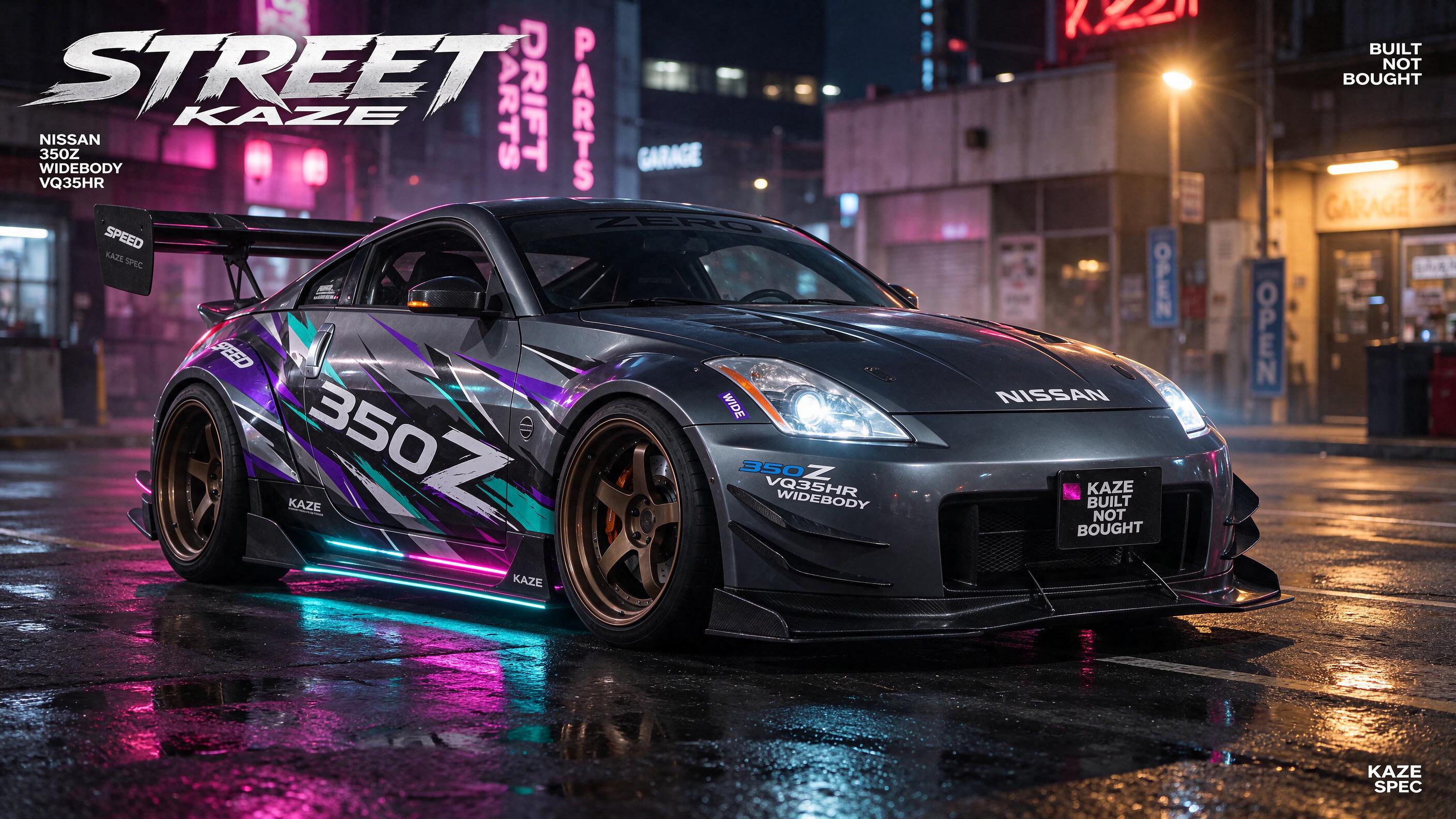
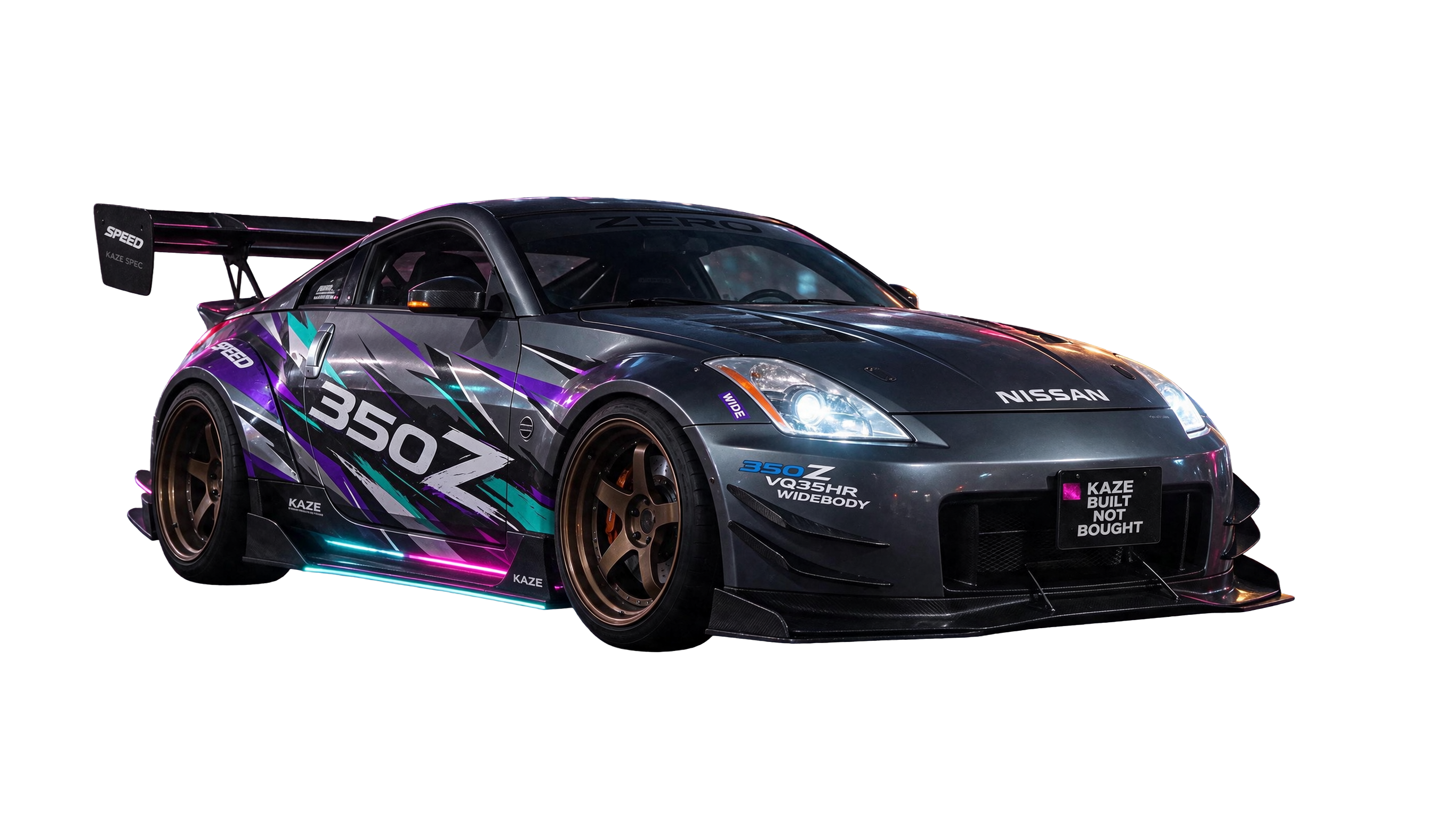
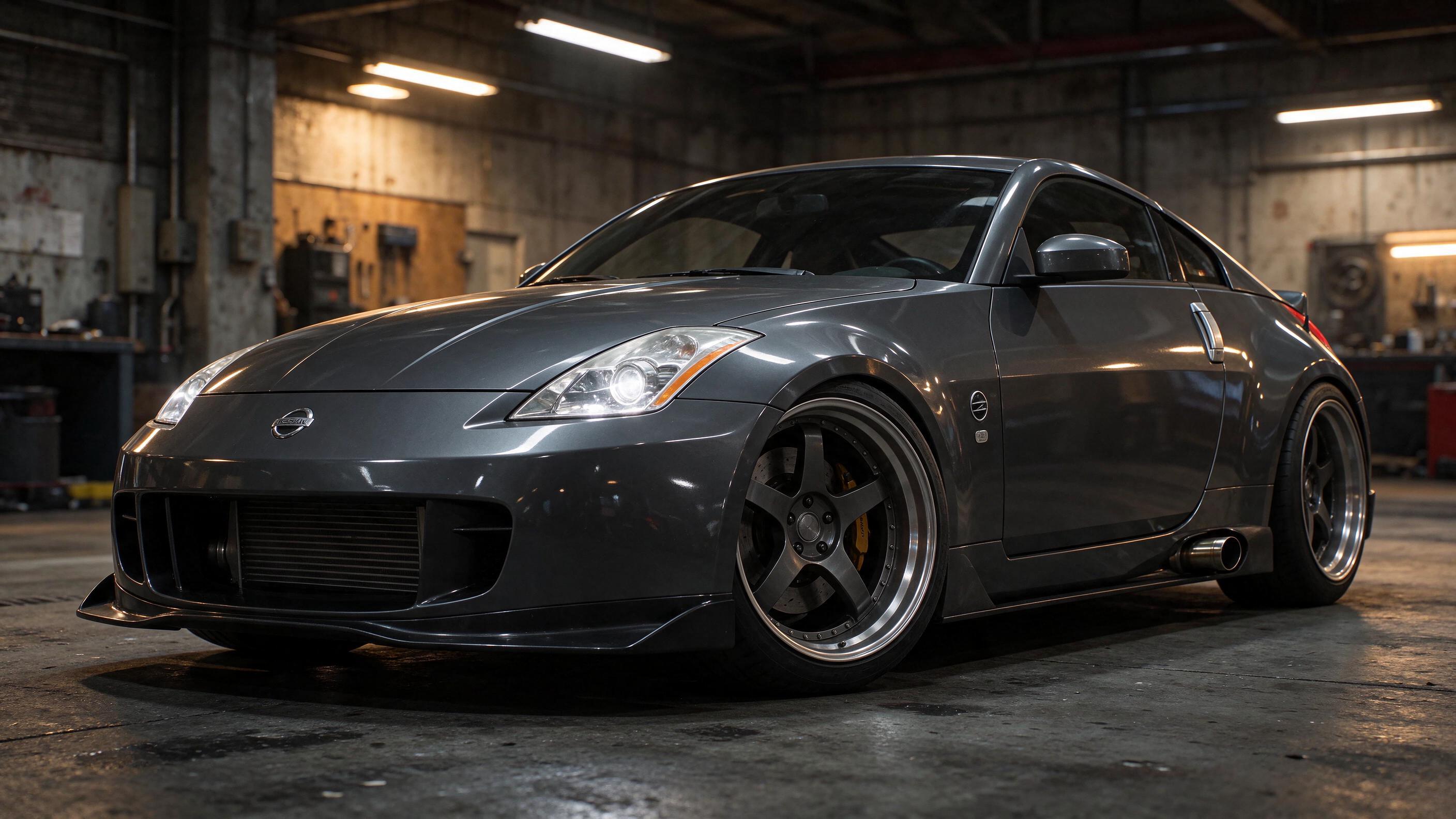
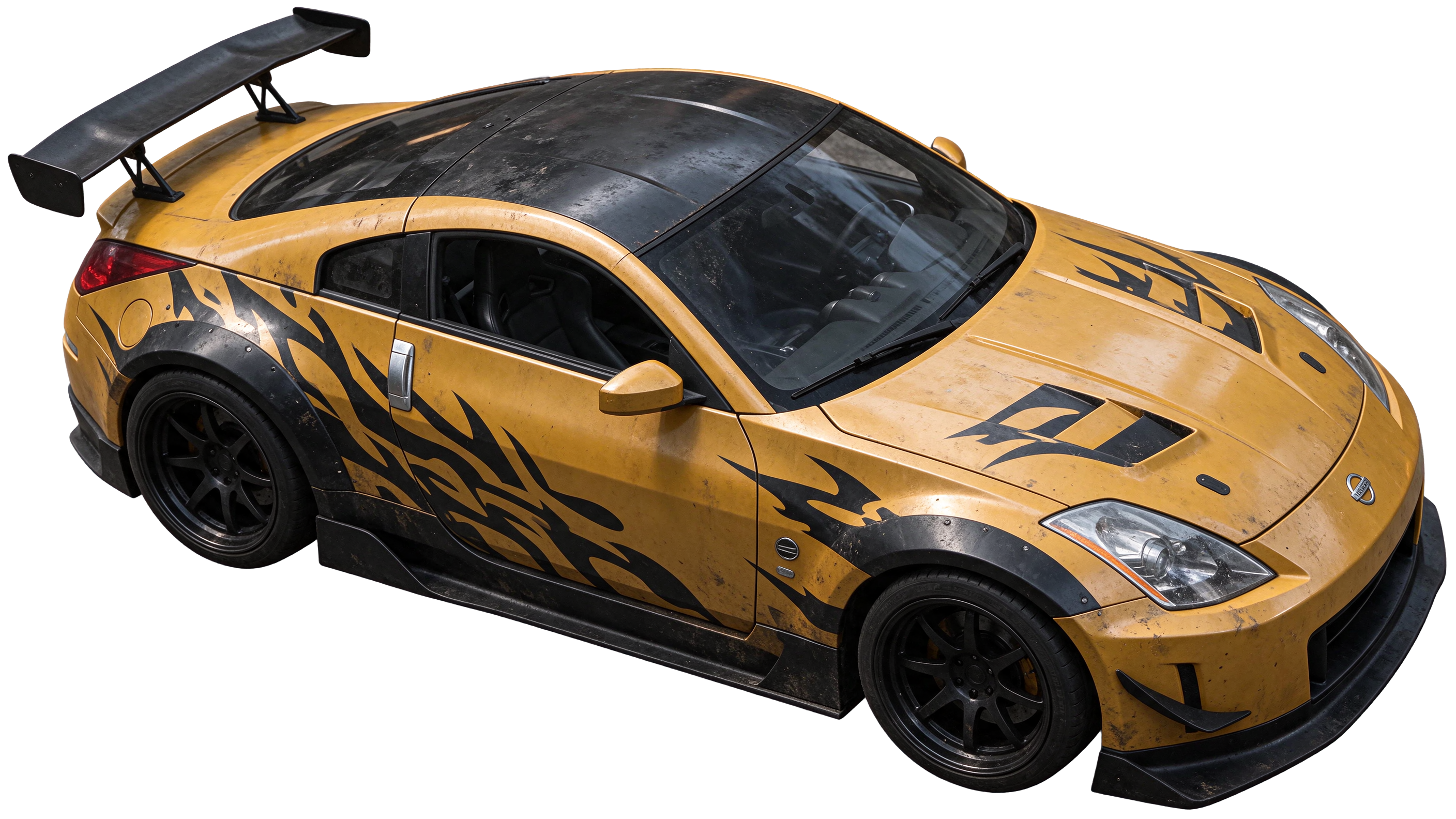
Same car, two uses. Above, a studio shot ready for a cover. Below, the car cut out on a transparent background straight from the model, no manual background removal: drop it into your design, thumbnail or video and you're done.
What's new
- More realistic: faces, proportions, materials and lighting more believable than in 5.0 Pro.
- Text you can read: small print and multilingual text stay sharp on posters, labels and covers.
- Native transparent background: PNG with alpha in text-to-image and editing.
- Up to 10 references: combine characters, products and styles in a single image.
- 1K, 1.5K and 2K in every format, from square to panoramic.
- Split into layers now runs on Seedream 5.5: your image breaks into editable pieces.
It's already on the canvas and in Image mode. Pick Seedream 5.5, write what's in your head and see for yourself.
Split any image into layers
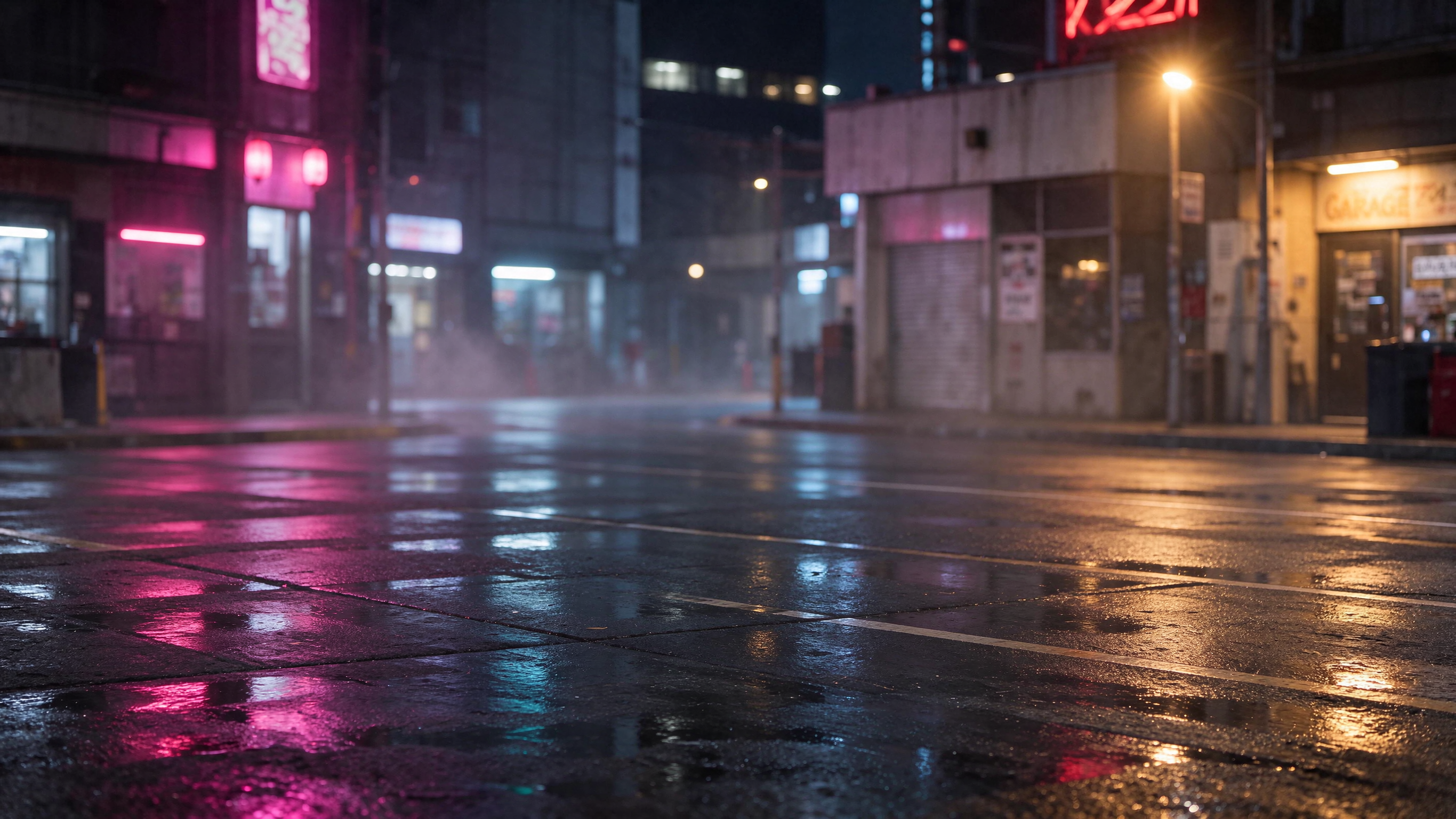
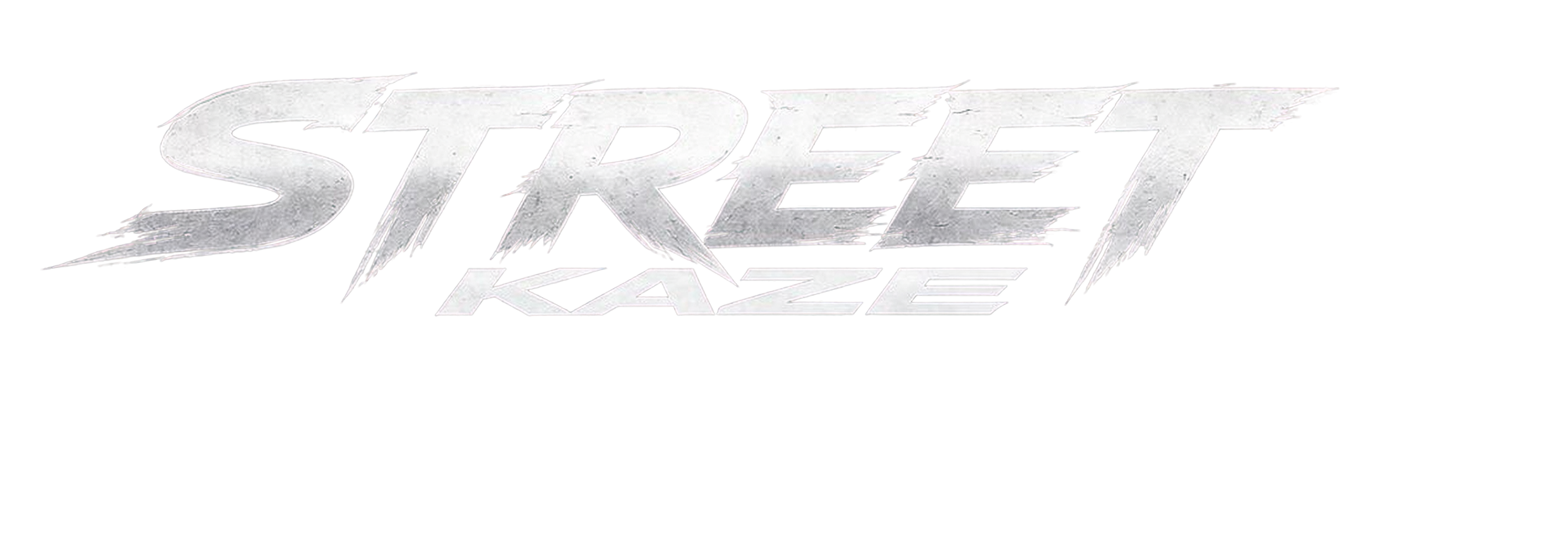
Generate the image and Seedream 5.5 takes it apart into editable pieces: the clean background, the cut-out car and every text on its own, all as transparent PNGs. Move, change or remove whatever you want without generating again. This image came out as a background plus 9 layers.