 GVOID
GVOIDAudio Split
Built by GVOID
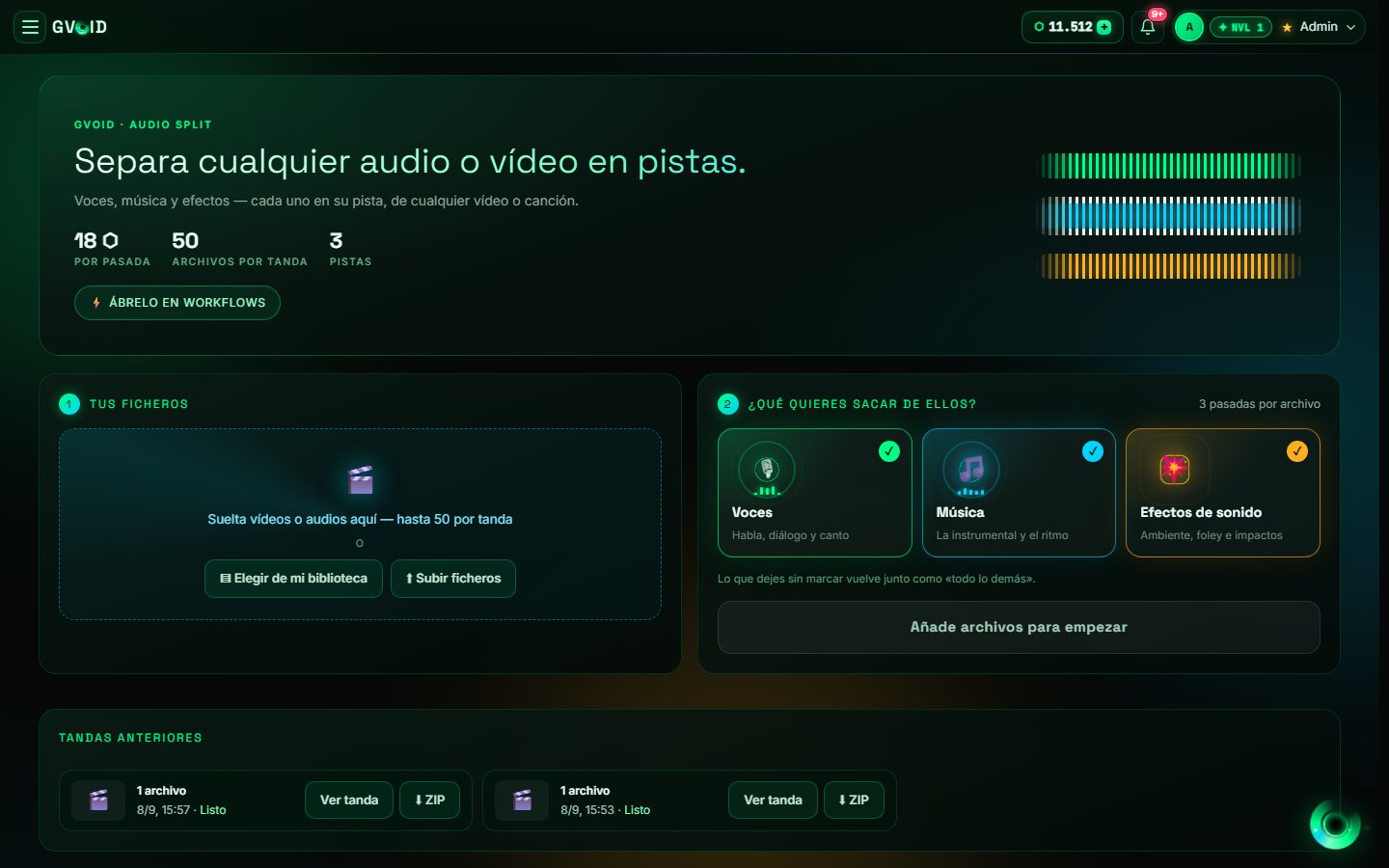
Split videos or audios into voice, music and effects, up to 50 files per batch, with the video returned and ZIP download.
What is Audio Split?
Audio Split takes the mix of a video or an audio and separates it into its stems: voices, music and effects, choosing which ones you want. Upload up to 50 files in one batch, ask it to return the video with the stem you choose and download the whole batch as a ZIP. Every batch stays in the history so you can come back for it.
What you can create
Ideal for creators, studios and brands.
How it works in GVOID
No installs. Create in your browser on a node canvas and chain models together.
Add the node
Drop Audio Split onto your canvas.
Describe it
Write your prompt or connect an input.
Generate
Pay only for what you create — start free.
Combine
Chain with voice, music and upscaling.
Frequently asked questions
What is Audio Split?
How much does Audio Split cost?
Can I combine Audio Split with other models?
Related models
Create with Audio Split today
Video, image and voice on one AI canvas. No subscription — start free.
Start free →