 GVOID
GVOIDWhiteboard
Built by GVOID
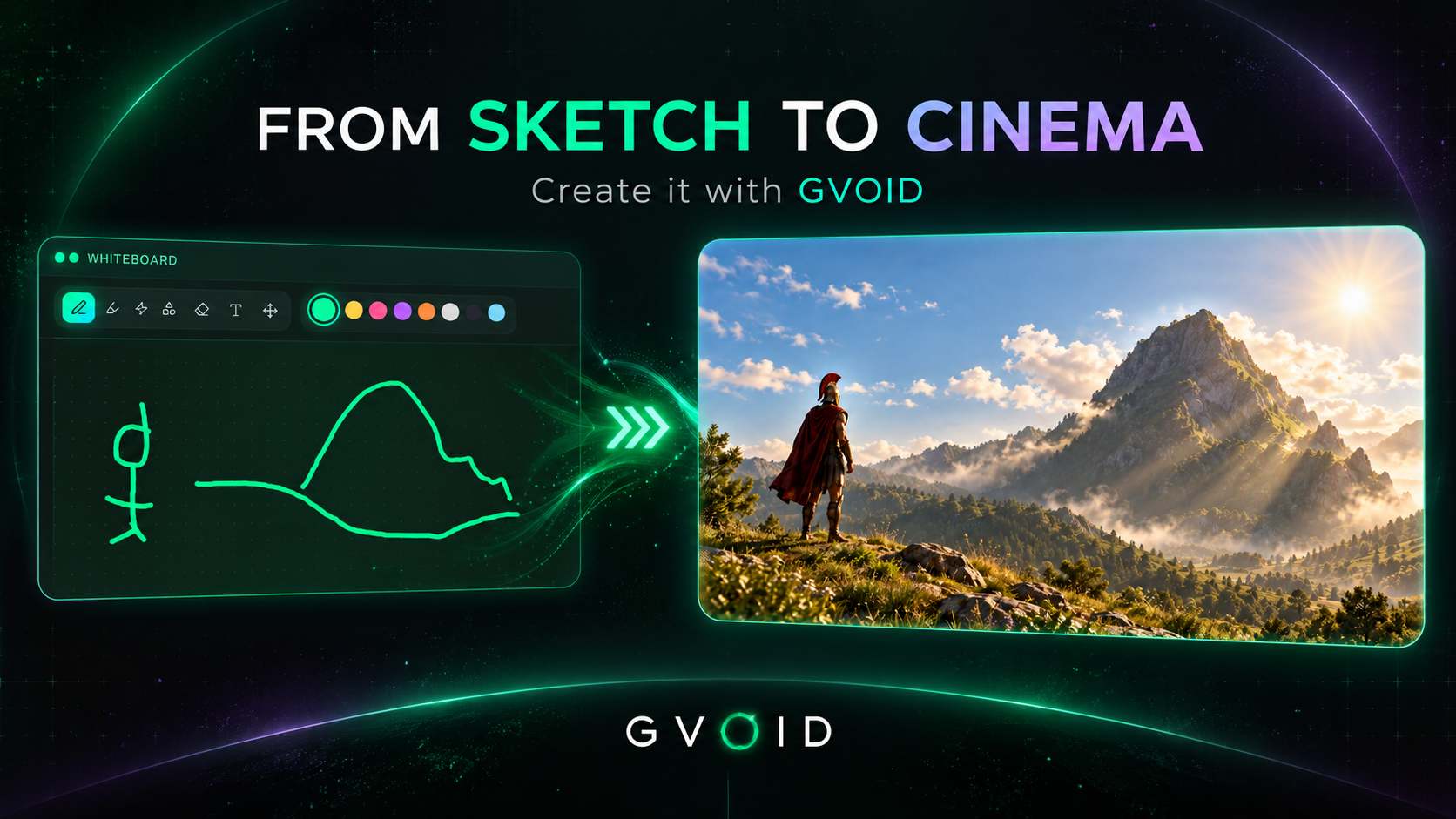
Draw, write, and place references on a board within the canvas, and turn it into an image that respects where everything goes.
What is the Whiteboard?
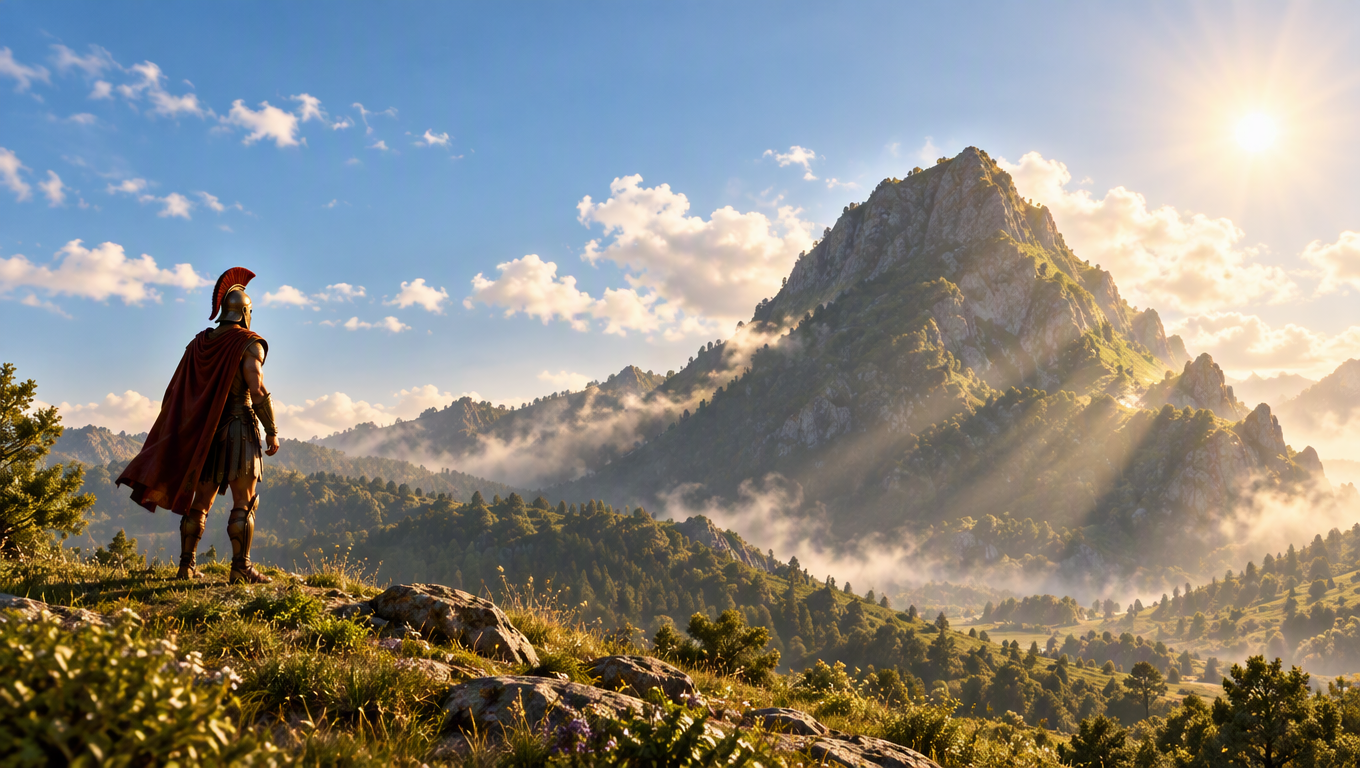
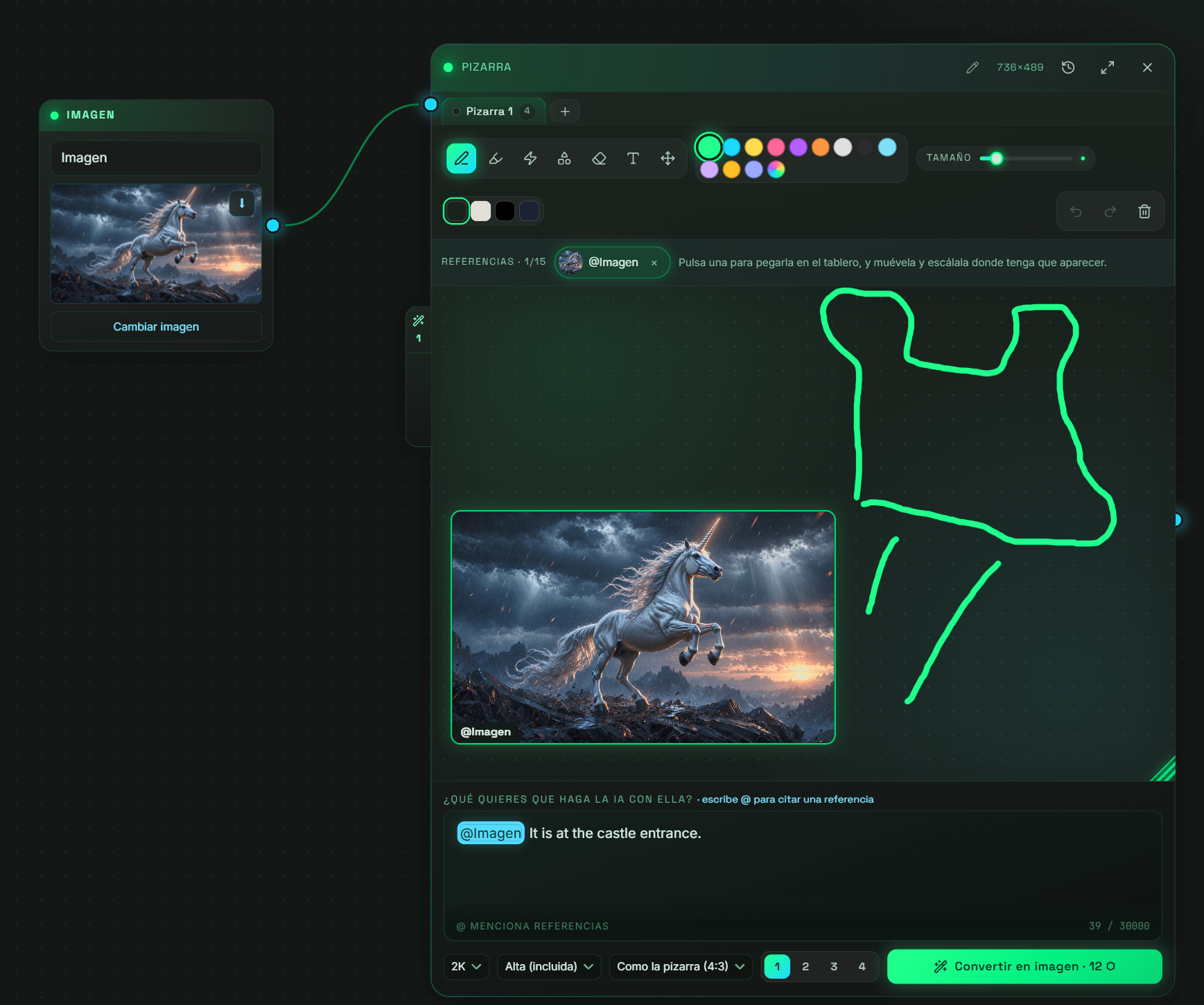
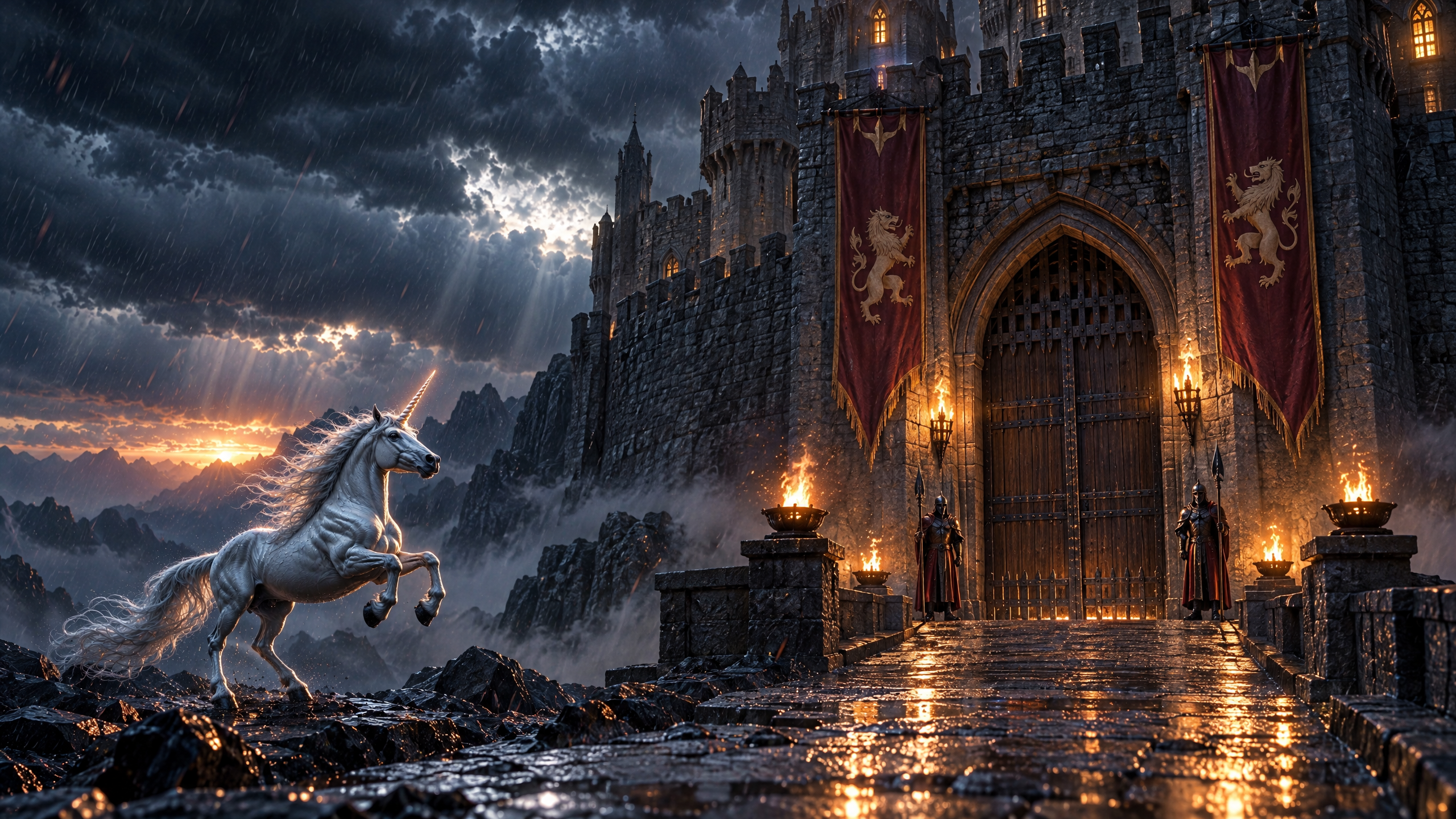
The Whiteboard is a canvas node with a large board: brush, shapes, text, eraser, and colors, and several tabbed whiteboards. You paste your references by citing them with @ (up to 15), move and scale them where they need to appear, write what you want the AI to do with them, and press Convert to Image. The image exits through the node and follows the sketch: position, size, and which reference goes where. You can request multiple takes, and each sketch is saved in the flow.
What you can create
Ideal for creators, studios and brands.
How it works in GVOID
No installs. Create in your browser on a node canvas and chain models together.
Add the node
Drop Whiteboard onto your canvas.
Describe it
Write your prompt or connect an input.
Generate
Pay only for what you create — start free.
Combine
Chain with voice, music and upscaling.
Frequently asked questions
What is Pizarra?
How much does Pizarra cost?
Related models
Create with Whiteboard today
Video, image and voice on one AI canvas. No subscription — start free.
Start free →